Convert your Rive to a shareable video.
Upload your .riv, record it playing, and download it as an mp4.
Upload a .riv to begin.
Nothing leaves your browser.
Turn a Rive animation into a video you can post
A .riv file will not play on social media, in a chat, or in a slide deck. This free tool records your Rive animation as it plays and saves it as a standard video, so you can share your work anywhere. It runs entirely in your browser. Your file is never uploaded, and there is no account to create.
Why record instead of export? Rive has no built-in video export, and a .riv on its own will not autoplay where you want to post it. Recording the animation as it runs captures exactly what a viewer sees, interactions and all, in a format that plays anywhere.
How it works
Upload your .riv
Drop in the Rive file you want to share. It stays in your browser, it is never sent to a server.
Record it playing
Press record and let the animation run. Trim the start and end so you keep only the part you want.
Download and share
Save an mp4 and post it to X, LinkedIn, or anywhere else. The video plays where a .riv file would not.
Frequently asked questions
Other free Rive tools

Rive Shader Library
28 shaders running live in your browser. Tweak the knobs, then take any of them into Rive as a ready-made GPU Canvas node.
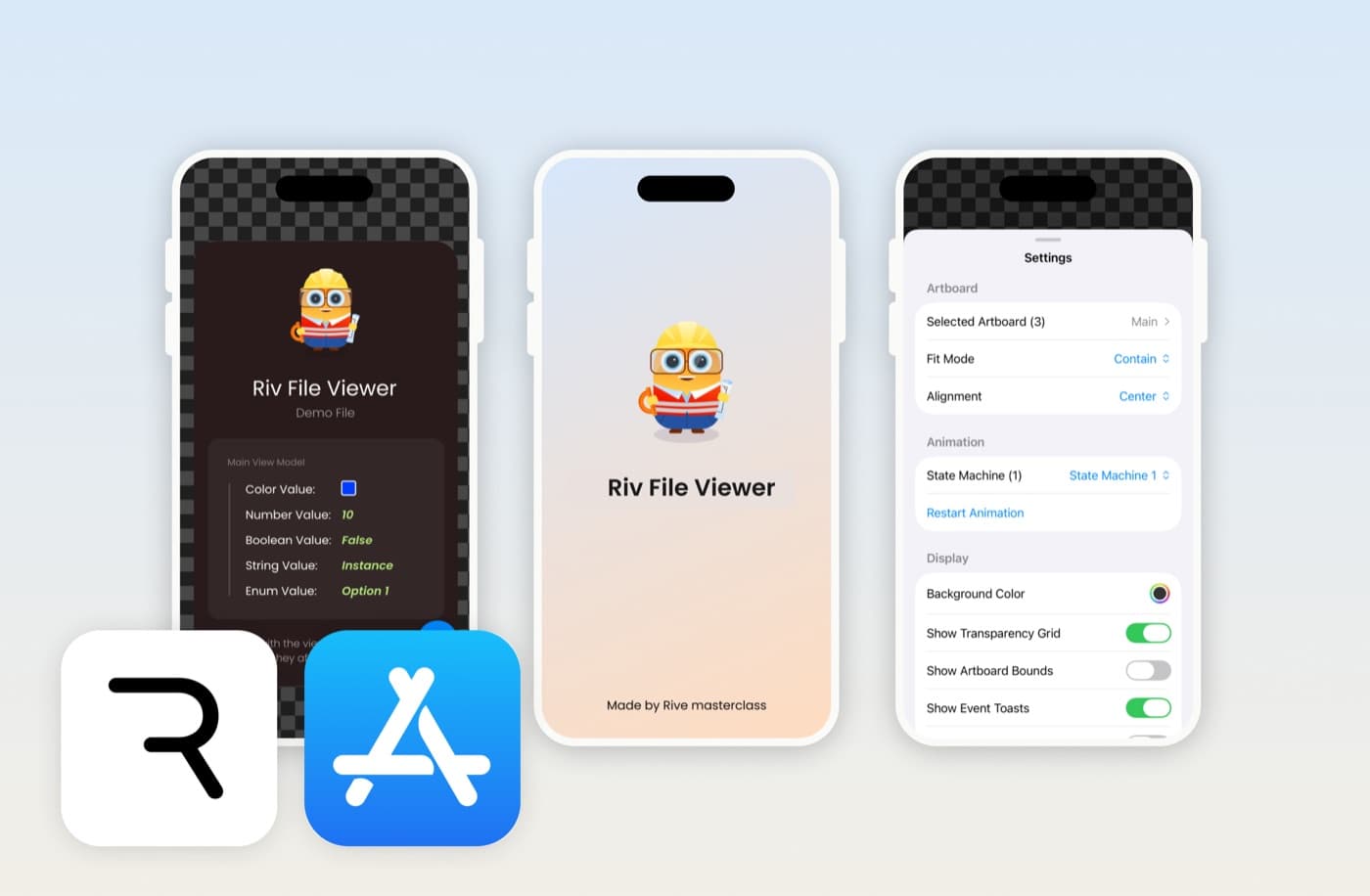
Riv File Viewer
Open, preview and debug .riv files on iPhone and iPad. Control state machines, edit data binding, and inspect assets.
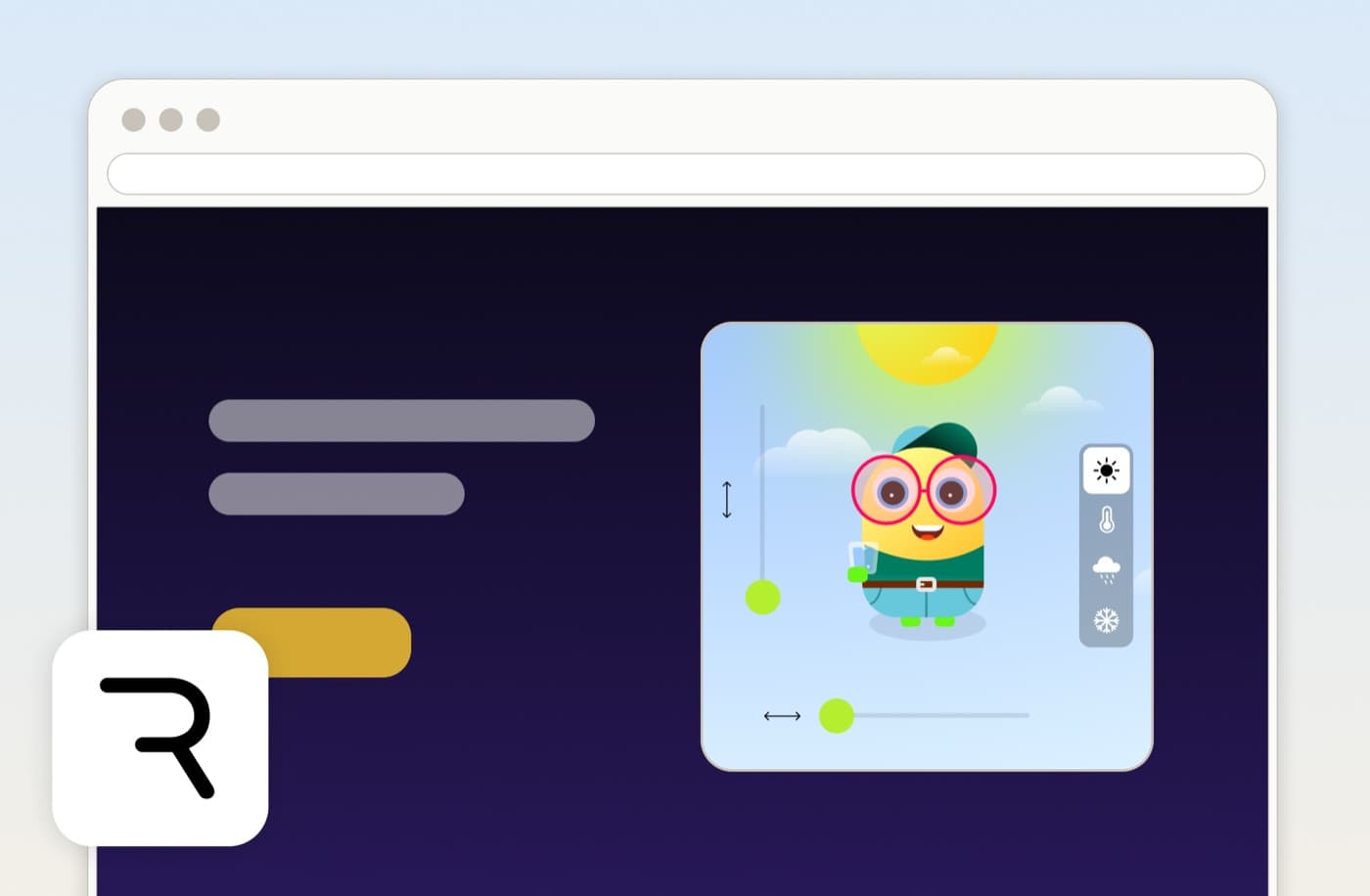
Embed Rive on Your Website
Paste a public .riv URL and copy an iframe embed code. Add a live Rive animation to any site, no SDK needed.