How to Make Your Rive Animations Even Smarter Using Converter Scripts
Making animations "smarter" isn't about adding more keyframes — it's about adding logic.
Until recently, complex logic usually lived outside the animation itself — in application code or in the developer's hands. Even with tools like State Machines, Data Binding, and basic converters, there was always a limit to how much intelligence could live inside the Rive file.
With Converter Scripts in Rive, that changes. Converter Scripts allow logic to live directly inside the animation, adding a new dimension to data-driven design.
In this article, we'll explore what Converter Scripts are and how to use them step by step, by building a practical example: a smart solar system animation.
What Are Converter Scripts in Rive?
A Converter Script in Rive is a logic layer that sits between your data (usually coming from a ViewModel) and your animation.
Instead of binding raw values directly to visual properties, Converter Scripts allow you to:
- Receive multiple inputs
- Apply custom logic and calculations
- Output a single computed value
- Drive animation behavior based on data, not timelines
In short, Converter Scripts let you convert data into behavior. This makes them ideal for complex animation logic, conditional states, and real-time responsiveness.
Why Not Use Only Built-In Converters?
Rive includes several built-in converters, such as unit conversions and simple numeric transformations. These are useful for simple mappings.
Converter Scripts are designed for cases where:
- One visual property depends on multiple data inputs
- Animation behavior changes based on conditions
- Logic needs to be reusable and scalable
- Animation must respond dynamically to real-world data
Instead of animating what happens, you define how the system behaves.
A Practical Example: A Data-Driven Sun & Moon System
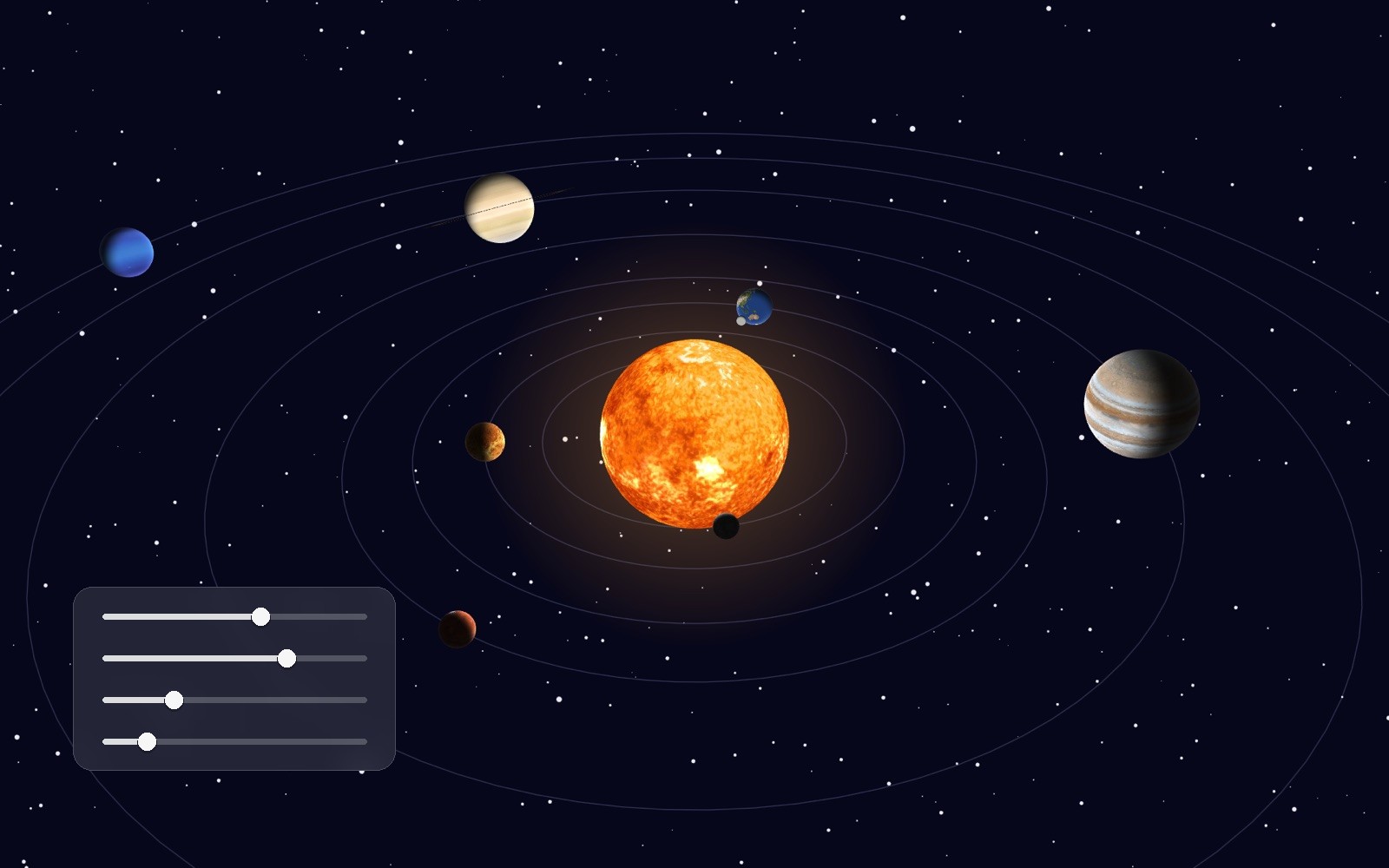
To demonstrate a real-world use case, we built a smart solar system animation in Rive. The goal was straightforward:
- The sun and moon move based on the time of day
- Midday places the sun at the top of the sky
- Midnight places the moon at the top
- Transitions adapt dynamically to sunrise and sunset times
Rather than animating this manually, everything is driven by data and logic.
The ViewModel Data
The system is controlled by three ViewModel properties:
currentHoursunriseHoursunsetHour
These values represent the current time and the boundaries of the day.
The Converter Script Logic
Using a Converter Script, we:
- Read all three ViewModel properties
- Determine the position relative to sunrise and sunset
- Calculate a single angle value
- Use that angle to rotate a shared Sun/Moon orbit
This approach means:
- The same hour can behave differently depending on sunrise and sunset
- Seasonal changes automatically affect the animation
- No timelines need to be manually updated
One computed value controls the entire system.
Using Converter Groups in Rive
In many projects, a Converter Script is often part of a conversion pipeline.
For example:
- The Converter Script outputs an angle in degrees
- A built-in converter transforms degrees into radians
- The final value is applied to a rotation property
Rive Masterclass + Rive Scripting
Master Rive for real products.
Get Both for $219Both courses for $219. Save $49.


Rive Masterclass + Rive Scripting
Master Rive for real products.
Both courses for $219. Save $49.
The Scripting Starter Kit
4 .riv source files from the tutorials + a scripting cheat sheet. Open them alongside the videos — that's how they're meant to be used.
Converter Groups in Rive allow multiple converters to be chained together in a clear, predictable order. This keeps logic modular and easy to debug.
Accelerating Logic with the Rive AI Agent
Writing logic by hand is powerful — but not always necessary. Rive's AI Agent can generate Converter Script logic when you describe:
- Which inputs exist
- What behavior is expected
- How edge cases should behave
By describing the desired behavior in plain language, the AI Agent can generate the script logic, explain what it created, and save significant development time. This allows designers to focus on system behavior, not syntax.
Prompt used to generate the solar system Converter Script:
You are working inside an existing Rive Converter Script. Use the current script structure exactly — do NOT change the script name, types, inputs, factory, or return. Only modify the logic inside the
convertfunction. The converter has access to these numeric inputs viaself:self.current(current hour, range 0–24),self.sunrise(sunrise hour),self.sunset(sunset hour). Theinputvalue represents the bound property value and can be ignored. Your goal: Return a NUMBER representing an ANGLE IN DEGREES that controls the Sun/Moon orbit. Angle rules: 0 degrees = SUN at the center of the sky (midday); 180 degrees = MOON at the center of the sky (midnight); sunrise = -90 degrees; sunset = +90 degrees. Angles can be negative. Day duration and night duration may be different. During the day (between sunrise and sunset), the sun should move smoothly from -90 to +90. During the night (after sunset), the angle should continue toward 180. The transition between day and night must be continuous. Handle wrap-around between sunset and the next sunrise correctly. Return the final angle in DEGREES. Do not use external libraries. Keep the math simple and readable. Do not introduce additional state or properties. Only implement the logic insideconvert. The output angle will later be converted to radians using a Converter Group.
Combining Scripted and Timeline-Based Animation
Converter Scripts don't replace traditional animation — they complement it.
In the solar system example:
- The sun and moon movement is fully data-driven
- Background clouds use a simple looping timeline animation
- Both approaches work together seamlessly
This hybrid workflow is often the most practical solution in real production environments.
Why Converter Scripts Matter in Production
Using Converter Scripts in Rive enables:
- Scalable animation systems
- Reusable logic
- Fewer manual adjustments
- Clear separation between data, logic, and visuals
Instead of animating outcomes, you define rules — and let the system handle the rest.
Final Thoughts
Converter Scripts are more than a new feature in Rive — they introduce a new way of thinking about animation.
Animations built with Converter Scripts are:
- Smarter
- More flexible
- Easier to maintain
- Much closer to real product behavior
If you're working with interactive UI, real-time data, or complex animation systems, mastering Converter Scripts in Rive is essential.
Get more Rive tips
Weekly tutorials, new lessons, and Rive community highlights — no spam.